Carry the Glass Together Controls
Move, jump, and keep the pane aligned on every device the listing supports.
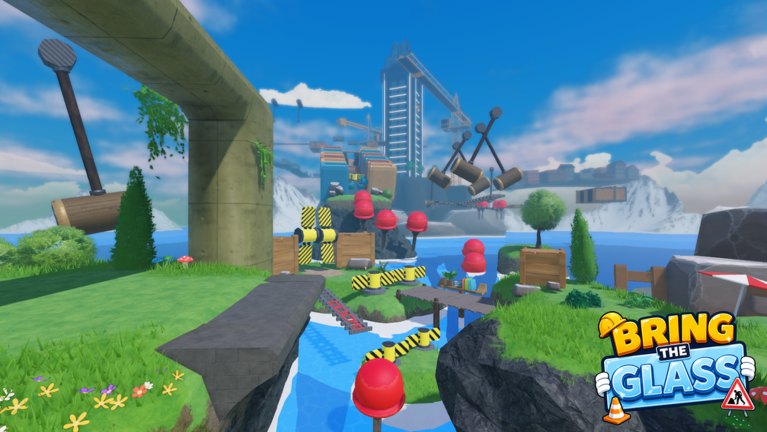
Carry the Glass Together runs on PC, phone, tablet, and console. The Roblox listing calls out controller support. This page is the control sheet for a duo that keeps blaming “the bind” when they meant “we turned opposite ways”. Read it once in the lobby statue circle, then keep the callout sheet for voice. Pair it with Getting Started if this is your first night.
Roblox experiences can remap default movement. If your avatar walks with a stick on console and WASD on PC, that is normal. What matters is that both players face the same heading before a jump. The glass is one object. Two cameras looking at two horizons will torque it into a striped beam.
Shared rules (every device)
- Jump on a spoken count, not when you “feel it”. See players / callouts.
- Do not rotate the camera 180 degrees while the pane is over water.
- Crouch or stand still if a menu opens. A shop tap during a hammer cycle is a shatter — bank a checkpoint first.
- If one player uses shift-lock or first person and the other does not, say so. Mixed camera modes are a leading cause of “why did you walk left”.
These rules matter more than the exact key for jump. The how to protect the glass guide explains why.
PC (keyboard and mouse)
Default Roblox movement applies: WASD to walk, Space to jump, Shift to sprint if enabled. Sprint is optional on grass and a problem on planks. Mouse look aims your body; the pane follows your shoulders. If the build offers a dedicated tilt or lift control, it will be on the HUD the first time you hold the glass — treat that tooltip as live, because early beta can add a bind without a patch blog. Do not copy Steam Carry The Glass binds (left click / right click / scroll wheel) unless you see those prompts in this Roblox experience. They belong to a different game.
Clicking the world can also click a shop icon. If your camera is a high sensitivity, you will open UI mid-jump. Lower mouse sensitivity until you can track a swinging hammer without flicking into a cone.
Keyboard duos should pick a leader whose audio is clean. Typing in chat while holding the pane is how people walk off the concrete overpass.
Phone and tablet
The on-screen joystick fights precision. Use two thumbs: movement on the left, jump on the right, camera drag only between obstacles. Do not drag the camera during a synchronized jump. If Roblox dynamic thumbstick is on, the jump button can drift — lock the jump button in settings if your build allows it.
Touch players should stand slightly closer than PC players. Thumb overshoot stretches the glass. When a hammer approaches, lift both thumbs off sprint. The obstacle tier list ranks hammers as wait-and-walk, not flick-and-hope.
If you are on mobile and your partner is on console, expect a small input delay difference. Let the console player call the count.
Console (controller)
Console support is part of the live listing. Left stick moves, A / Cross jumps, right stick looks. Use a moderate look sensitivity; a maxed stick will yaw the pane into the hammer rig. Most 2-player Roblox obbies work better in third person on a TV. If the experience offers first person, try it only on wide grass, not on the plank over the river.
Controller players should bind jump to a button they can hit without releasing the stick. Jumping by taking the thumb off the stick is a mid-air drift. Use headphones. TV speakers plus a phone call with your partner is a delayed count, and delayed counts shatter glass.
Mixed-platform duos
Blue side on PC and red side on a phone is a common queue. The PC player should lead the count because their jump timing is usually tighter. The phone player should announce lag spikes. If one of you is on a touch screen in a moving car, do not start the hammer section. Sit at a checkpoint and wait.
What not to bind
Do not bind emotes to the jump key. Do not enable a script that “auto jumps with your partner” — desync plus a hammer is worse than a slow count. Do not remap movement to arrow keys on one client and WASD on the other unless you enjoy arguing about left.
When a patch changes binds, it will be noted on updates and this page. Until then, the best control upgrade is still a spoken “wait” from the callout sheet.
Frequently Asked Questions
Quick answers for duos who keep shattering the pane.
Does this game use the Steam left-click tilt?
Do not assume that. Learn the on-screen prompts in this Roblox build. Steam Carry The Glass is a different title.
Should I use shift-lock?
Only if both players use it. Mixed lock states twist the pane. Agree in the lobby.
Jump feels late on console.
Use a monitor or game mode on the TV and headphones. See console support.
Where do I practice binds?
On the grass after spawn, before the first water gap. Getting Started has the five-minute loop.